






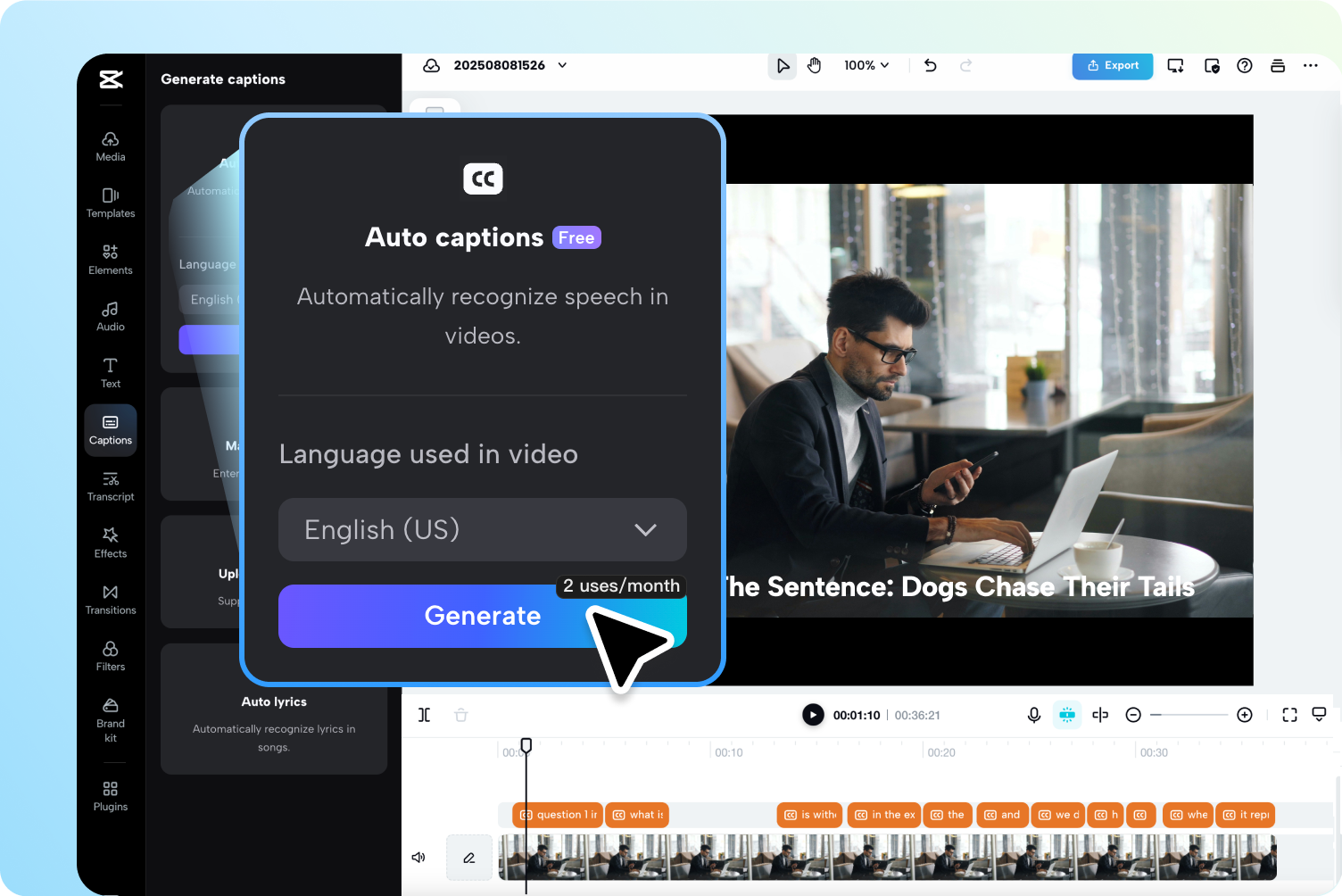
A good video can lose people fast when the sound is off, the speaker talks too quickly, or the message gets buried in background noise. That is exactly why caption tools have moved from nice extra to practical necessity. CapCut leans into that shift with an AI caption generator built for creators who want speed, clarity, and a smoother editing workflow without turning every upload into a full production job. For social clips, tutorials, interviews, and marketing videos, the real appeal is not just automatic text on screen. It is the ability to make content easier to follow, easier to watch, and far more useful across platforms where muted viewing is the norm. CapCut positions this tool as a way to save time while keeping videos accessible and polished, and that combination gives it real everyday value.
What is an AI caption generator and why does it matter?
An AI caption generator turns spoken audio into on-screen text automatically, which means you do not have to type every sentence by hand or time every line manually. In practical terms, that matters because modern video is often watched in less-than-ideal conditions: on public transport, in office breaks, in noisy homes, or with the sound turned off completely. CapCut makes the case for captions as both an accessibility feature and an engagement tool, and that is a sensible pitch rather than empty tech hype. Captions help viewers follow dialogue, hold attention longer, and understand content more easily, especially when speech is fast or accents vary. They also make videos friendlier for viewers who are deaf or hard of hearing, as well as people watching in a second language. The strongest part of the appeal is simple: captions remove friction. When a viewer does not have to work to understand your video, they are much more likely to stay.
How does CapCut AI caption generator work for everyday creators?
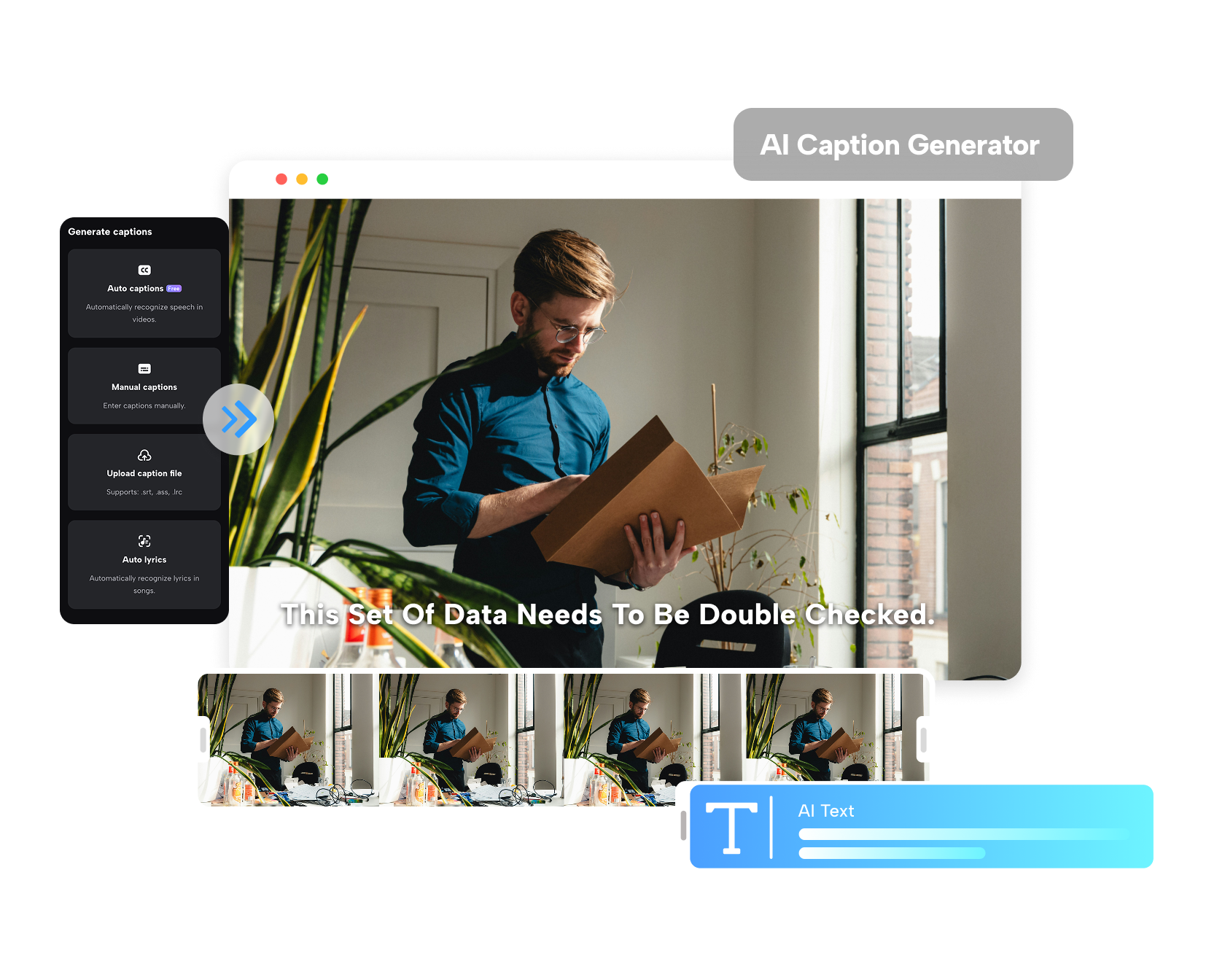
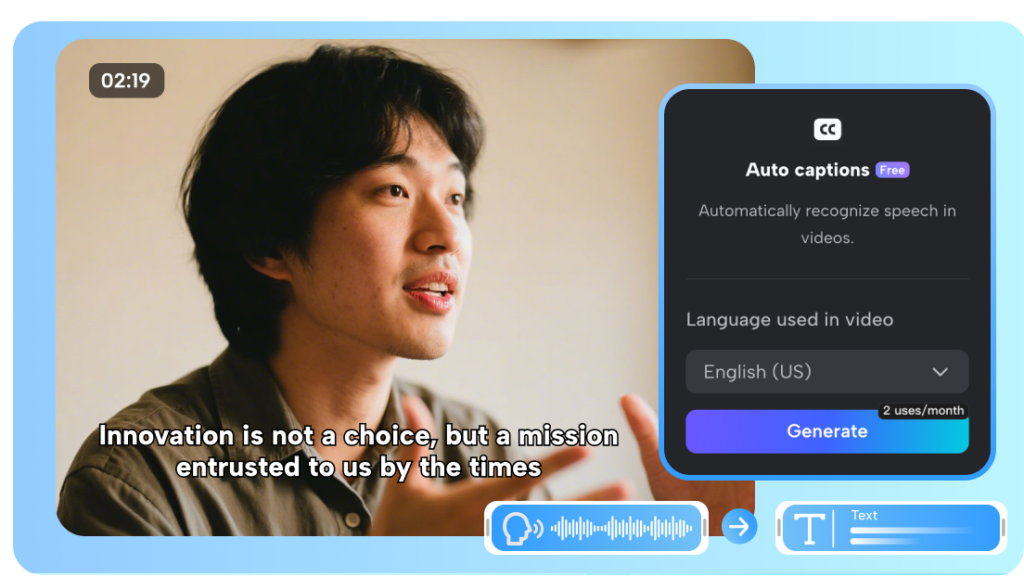
The process is built to feel straightforward rather than technical. You upload a video, head to the captions area, choose auto captions, select the spoken language, and let the platform generate synced text from the audio. That is the kind of workflow that suits creators who want results quickly, not a lesson in post-production. CapCut also frames the tool around automatic speech recognition, which is where the real convenience comes in. Instead of manually transcribing dialogue, users can generate a draft quickly and then focus on refining wording, fixing the occasional error, or adjusting timing where needed. That matters for short-form content especially, where speed often wins over perfection. The platform also supports caption styling, so the captions do not have to look like a bland afterthought slapped across the screen. For creators making reels, explainers, talking-head clips, or branded videos, that mix of automation and visual control is what makes the tool genuinely usable rather than merely impressive on a feature list.
Does CapCut support multiple languages and different video styles?
Multi-language support is one of the more useful parts of the tool, especially for creators whose audience is not limited to one region or one native language. CapCut states support for more than 20 languages, along with adaptation to different accents and dialects, which makes the feature more than just an English-only convenience. That opens the door for broader reach, but it also makes the tool practical for businesses, educators, and social creators who want content to travel better across audiences. On the style side, the platform includes caption templates and customization options for font, size, colour, and animation. That matters more than it first appears. Captions that fit the tone of the video feel intentional, while ugly default text can make even a strong clip feel rushed. The balance here is appealing: functional enough for tutorials and presentations, but flexible enough for social media where visual personality matters. It is a useful middle ground between plain utility and overdesigned chaos.
Where this tool earns its place in your editing stack
For creators who want less manual work and more watchable videos, this is an easy tool to understand. CapCut works best for people who value speed, accessibility, and cleaner content delivery more than endless fine-tuning. If you are a casual creator posting regularly, a small brand making social clips, or an educator who wants lessons to land more clearly, it is a smart fit. If you need total editorial precision on every subtitle line, you will still want to review and refine before publishing. That is the trade-off, and it is a fair one.















Leave a Reply